

Introduction
In the competitive landscape of gaming peripherals, controllers play a pivotal role in determining a player’s performance. The Razer Wolverine V2 Chroma is a formidable contender among the myriad options available. Renowned for its premium build quality and advanced features, this controller promises to enhance the gaming experience for casual and professional gamers.
| Category | Details |
| Manufacturer | Razer |
| Compatibility | Xbox Series X |
| Connection Type | Wired (USB-C) |
| Key Features | – Mechanical buttons for faster actuation |
| – Razer Chroma RGB lighting |
| – Replaceable analog sticks (magnetic attachment) |
| – Four extra programmable back paddles |
| – Two additional shoulder buttons |
| – Trigger locks for faster response |
| Customization Options | – Button remapping via the Razer Controller app |
| – Adjustable sensitivity clutch for precise aiming |
| – RGB lighting customization |
| Build Quality | Ergonomic design with textured grips for comfort during long sessions |
| D-Pad | One-piece mechanical D-pad; not replaceable; struggles with diagonal inputs in certain scenarios. |
| Performance | – Excellent for FPS, action games |
| – Smooth, responsive triggers and buttons |
| – Limited for retro games due to D-pad diagonal issues |
| Drawbacks | – Wired only |
| – Premium price point (USD 149.99) |
| Price | USD 149.99 |
| Ideal For | Competitive gamers, particularly in FPS and action genres |
Performance and Customization That Elevate Competitive Play
The Razer Wolverine V2 Chroma stands out as a high-performance wired controller built for gamers who prioritize responsiveness and precision. Featuring advanced Mecha-Tactile action buttons and a D-pad designed for tactile feedback, this controller ensures every input registers swiftly and accurately, which is especially valuable in fast-paced esports titles. Its ergonomic design and customizable RGB Chroma lighting give both visual flair and comfort during long gaming sessions. Additionally, six remappable buttons and adjustable thumbstick sensitivity allow players to tailor controls to their personal playstyle, making the Wolverine V2 Chroma a versatile choice for competitive Xbox and PC gaming environments.
Razer Wolverine V2 Chroma
The Wolverine V2 Chroma stands out for its wired connectivity, mechanical buttons, and extensive customization options. Retailing at $149.99, it caters to gamers seeking precision and speed, making it especially appealing to esports enthusiasts and FPS players. Despite being a wired controller, its design and functionality compensate for the lack of wireless freedom.
Design and Build Quality

Premium Aesthetics
The Razer Wolverine V2 Chroma boasts a sleek, modern design that is aesthetically pleasing and functional. Its matte black finish and customizable RGB lighting give it a professional look that appeals to serious gamers. The controller’s ergonomic shape ensures a comfortable grip during long gaming sessions, which is crucial for peak performance.
Durability
Constructed with high-quality materials, the Wolverine V2 Chroma is built to withstand the rigors of intense gaming. The buttons are designed to provide tactile feedback, enhancing responsiveness. Additionally, the controller features reinforced components to minimize wear and tear, ensuring longevity for avid gamers.
Mechanical Switches: A Game-Changer
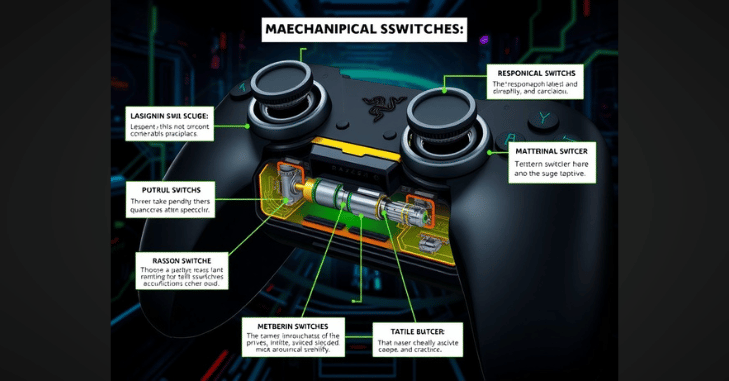
The standout feature of the Wolverine V2 Chroma is its mechanical switches for face buttons and the D-pad. These switches offer a tactile, clicky feel reminiscent of mechanical keyboards, reducing input lag and enhancing precision. Gamers have praised the satisfying actuation, improving gameplay speed and accuracy.
Performance
1. Responsive Controls
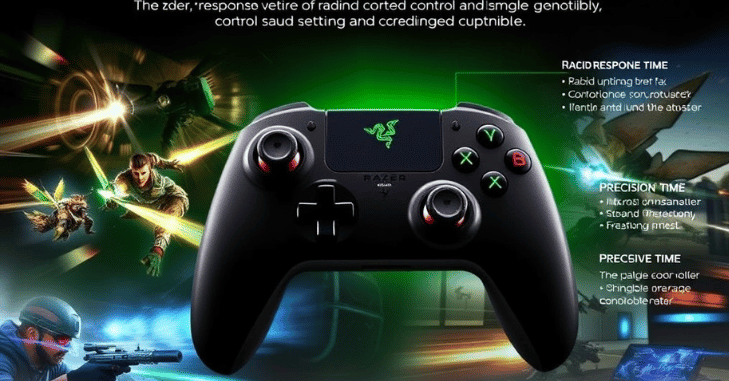
One of the standout features of the Wolverine V2 Chroma is its ultra-responsive buttons. The controller is equipped with Razer’s Mecha-Tactile Action buttons, which balance traditional button feedback and the rapid activation of mechanical switches. This enables quick reflexes, allowing pro gamers to execute commands with precision.
2. Thumbstick Sensitivity
The thumbsticks on the Wolverine V2 Chroma are designed for optimal sensitivity and control. With adjustable sensitivity settings, players can tailor the responsiveness to their liking, whether they prefer precise aiming in first-person shooters or swift movements in action-adventure titles. The textured grips also enhance control, reducing the chances of slipping during intense gameplay.
3. Sensitivity Clutch
Another innovative feature is the sensitivity clutch, which adjusts thumbstick sensitivity on the fly. This is particularly beneficial for precision aiming, such as sniping in shooters or fine control in racing games. While this requires practice, it significantly enhances performance once mastered.
Gaming Experience

The Razer Wolverine V2 Chroma is designed for Xbox Series X|S and Xbox One, making it a versatile choice for gamers across different platforms. Its compatibility with Windows PCs further broadens its appeal, allowing players to utilize its features across various gaming environments.
Testing the Wolverine V2 Chroma in popular titles such as Call of Duty, Fortnite, and Assassin’s Creed Valhalla revealed its impressive performance. The buttons’ rapid response and the thumbsticks’ precision contributed to enhanced gameplay. Players noted a marked improvement in reaction times, particularly in fast-paced games where every millisecond counts.
Limitations
Despite its strengths, the Wolverine V2 Chroma has a few drawbacks:
- Wired Connectivity: The lack of wireless functionality is a limitation, particularly for gamers who value mobility.
- Price: At $149.99, it’s a significant investment compared to other controllers.
- D-pad Performance: While adequate for most games, it struggles with diagonal inputs in certain retro or fighting games.
Customization Options

1. Razer Synapse Integration
One of the key advantages of the Wolverine V2 Chroma is its compatibility with Razer Synapse software. This software allows users to customize the controller’s settings extensively. Gamers can remap buttons, adjust sensitivity levels, and create profiles for different games, making it a versatile tool for varied gaming experiences.
2. RGB Lighting
The Chroma RGB lighting feature adds a personal touch to the controller. Players can choose from various colors and effects, enhancing their gaming setup’s aesthetic appeal. Syncing the lighting with other Razer products is a breeze, creating a cohesive look across devices.
Ideal Use Cases
The Wolverine V2 Chroma excels in competitive scenarios, particularly in FPS and action games. Its mechanical buttons and trigger locks are invaluable for gamers who demand precision and speed. However, its wired design and D-pad limitations might deter those who prefer casual or retro gaming.
Comfort and Ergonomics

1. Grip and Handling
The Wolverine V2 Chroma is comfortable, featuring textured grips that provide a secure hold. The weight distribution of the controller feels balanced, preventing fatigue during extended gaming sessions. This ergonomic design is particularly beneficial for pro gamers who often engage in marathon play sessions.
2. Button Layout
The button layout on the Wolverine V2 Chroma is designed with accessibility and efficiency in mind. The placement of the buttons allows for quick access without compromising comfort. Including additional programmable buttons gives players the edge they need in competitive scenarios, enabling complex maneuvers with ease.
Pros and Cons
Pros
- Exceptional Build Quality: The premium materials ensure durability and longevity.
- Customizable Features: Extensive options for button remapping and RGB lighting.
- Comfortable Ergonomics: Designed for long gaming sessions without fatigue.
- Rapid Response: Mecha-Tactile buttons offer a perfect blend of feedback and speed.
Cons
- Price Point: The Wolverine V2 Chroma is on the higher end of the price spectrum, which may deter budget-conscious gamers.
- Learning Curve: New users may initially find the extensive customization options overwhelming.
Comparison with Competitors
Xbox Elite Wireless Controller Series 2
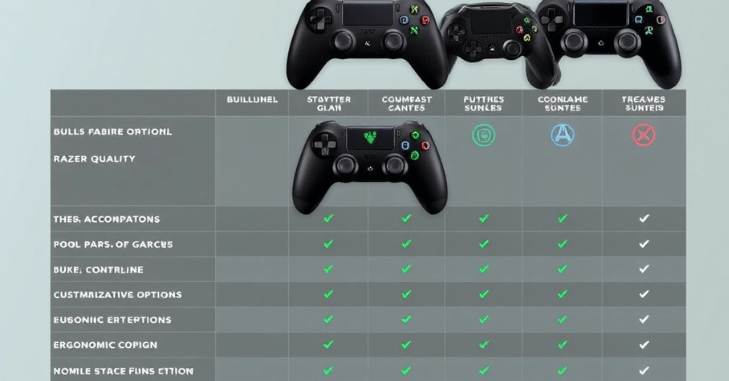
When comparing the Razer Wolverine V2 Chroma to the Xbox Elite Wireless Controller Series 2, both controllers offer premium features and customization. However, the Wolverine V2 Chroma has the edge regarding tactile feedback and build quality. The Elite controller, while wireless, lacks the same level of button responsiveness, making the Wolverine a preferred choice for pro gamers who prioritize performance over wireless convenience.
Scuf Instinct Pro
The Scuf Instinct Pro is another competitor in the high-performance controller market. While it offers similar customization options, the Wolverine V2 Chroma’s build quality and comfort give it an advantage in long gaming sessions. The Scuf controller, though highly customizable, can feel bulkier, which may not appeal to all players.
Price and Value
The Razer Wolverine V2 Chroma is priced competitively within the premium controller market. While it may be more expensive than standard controllers, the features, build quality, and overall performance justify the investment for serious gamers. For those who prioritize competitive gaming, the Wolverine V2 Chroma represents excellent value for money.
Conclusion
The Razer Wolverine V2 Chroma is a top choice for pro gamers who prioritize performance and customization. Its mechanical switches, programmable buttons, and sensitivity clutch provide a competitive edge, making it worth the investment for serious players. However, casual gamers or those seeking wireless functionality might consider other options.
Apart from that if you want to know about “A Look Into Top 10 Best Guns in Helldivers 2: Dominate the Battlefield” then please visit our “Playstation” Category.
FAQs
No, wireless communication is not supported by the Razer Wolverine V2 Chroma. Only wired USB connections can be used to connect it to devices.
In any case, I find the mechanical switches pleasant to touch; they have just the correct amount of travel. Although I would much like to have those rear switches farther out for simpler pushing, it is unfortunate that the sticks do not have a hall effect.
How can I turn the Razer Wolverine V2’s trigger stop switches on or off? To activate, slide the trigger stop switches outward. To disable, slide the trigger stop switches inward.
Wired controllers are often preferred for competitive gaming because they provide lower input latency and a more stable connection compared to wireless options.
A competitive gaming controller typically offers fast input response, durable buttons, ergonomic design, and customizable controls to suit different playstyles.